9 common Salesforce CRM integration mistakes to avoid
Software

9 common Salesforce CRM integration mistakes to avoid

Customer Relationship Management (CRM) software is crucial for companies to manage client or customer interactions. Traditional CRM methods cannot handle the massive influx of data, making CRM software indispensable. Several CRM systems, like Salesforce, help ease interactions, streamline processes, and boost profitability. That said, the effectiveness of any software, in this case, Salesforce, only shines through when it’s integrated and implemented well. For that, common mistakes during Salesforce CRM integration should be avoided. 1. Customizing Salesforce prematurely or hastily Salesforce CRM technology is powerful and versatile, so it is best to understand its fundamentals first and then give it time to integrate into one’s workflow effectively. Companies often try to customize the system prematurely, and overwhelming the system with extensive customizations right from the start can often be counterproductive. So, it is best to make tweaks over time. Customizations can be implemented later in phases and as and when needed, gradually easing users into the changes gradually. The team, too, can then work on a few adjustments at a time and get used to the evolving setup. 2. Disregarding the need for new or better processes There are instances where teams try to force their old system into the new one or tend to disregard the need for change.
Read More

5 accounting software failures that lead to business risks

5 accounting software failures that lead to business risks

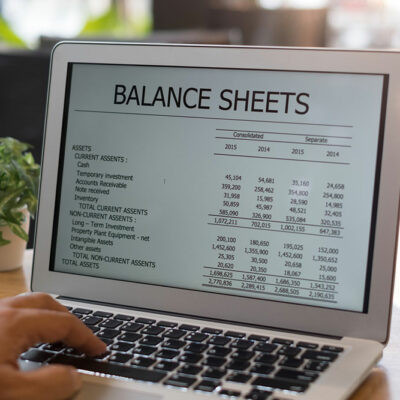
Accounting is a crucial process for businesses of all sizes, and it requires a high level of precision and accuracy. Therefore, many organizations are now using accounting software to minimize the risk of human errors. However, mistakes are often encountered despite using automated software. Even a minor error can lead to significant problems for the business. Therefore, it’s important to be aware of the potential failures of accounting software, which can ultimately lead to business risks. What is the function of an accounting software? Before getting into different issues encountered with accounting software, it is crucial to understand the ways in which it can benefit an organization. Generally, an organization uses accounting software for the following purposes: Automation of financial process Quick access to critical information Efficient workflow when a large amount of data is involved Accurate calculations and precise processing of operations Challenges involved in the development of accounting software Accounting software can be a useful tool for businesses and professionals to keep track of sales, profits, cash flow, cash reserves, loan allocations, and billing information. This is often sufficient for small businesses. However, larger businesses may require more advanced accounting software that has the capability of generating balance sheets, bank balances, and the value of creditors, debtors, and assets.
Read More